Agents and local AI models on your Mac
ChatGPT, Claude, Gemini and local AI models in one native Mac app.
No account required · Intel & Apple Silicon · macOS 13.5+
Local AI models
Run local models on your Mac
No account, no API key. BoltAI shows which models fit your Mac.
Learn more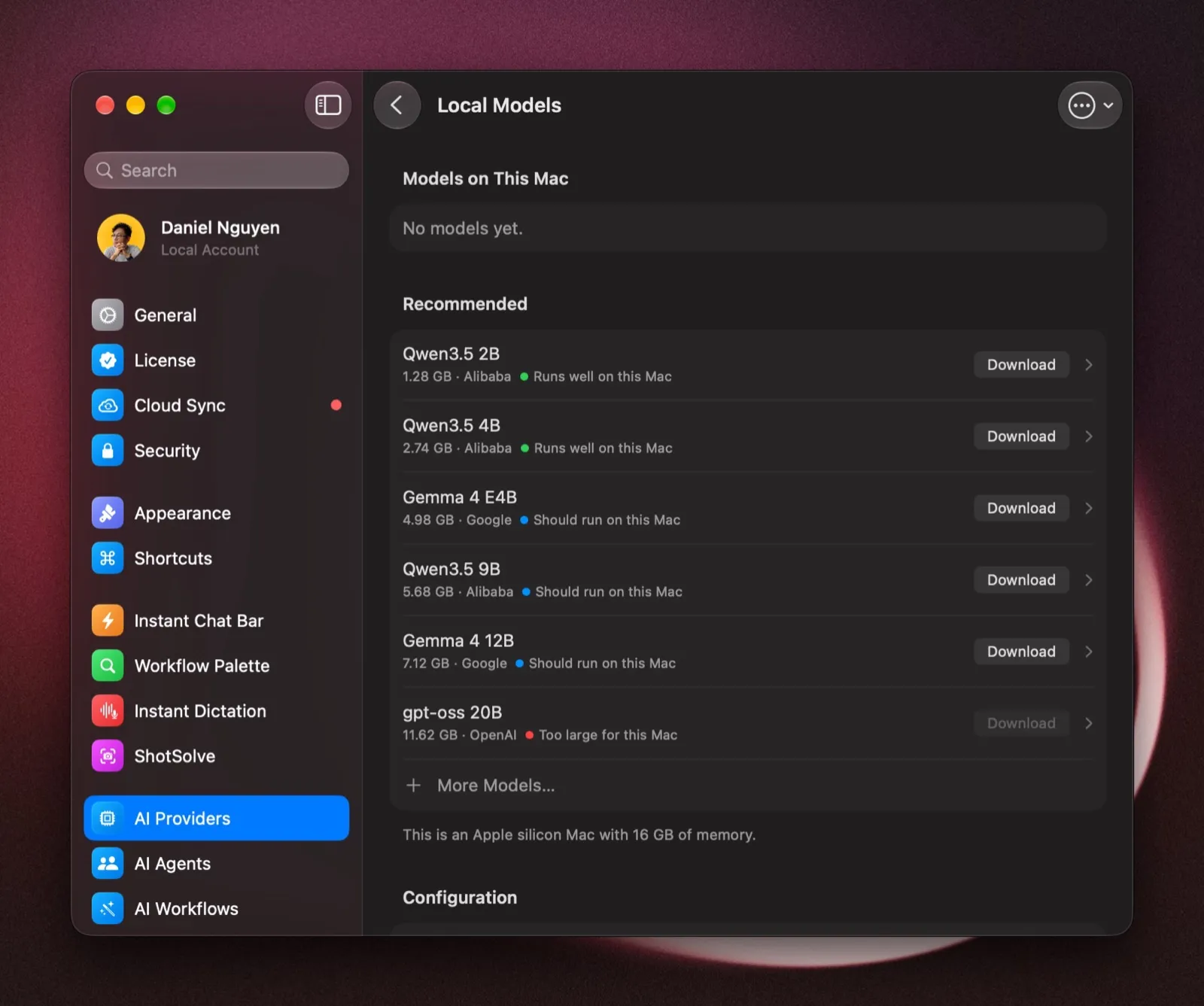
AgentsLabs
Agents that work in Chrome and your Mac apps
Browser Use works in Chrome. Computer Use works in the Mac apps you allow. Both in Labs, on macOS 14 or later.
Learn more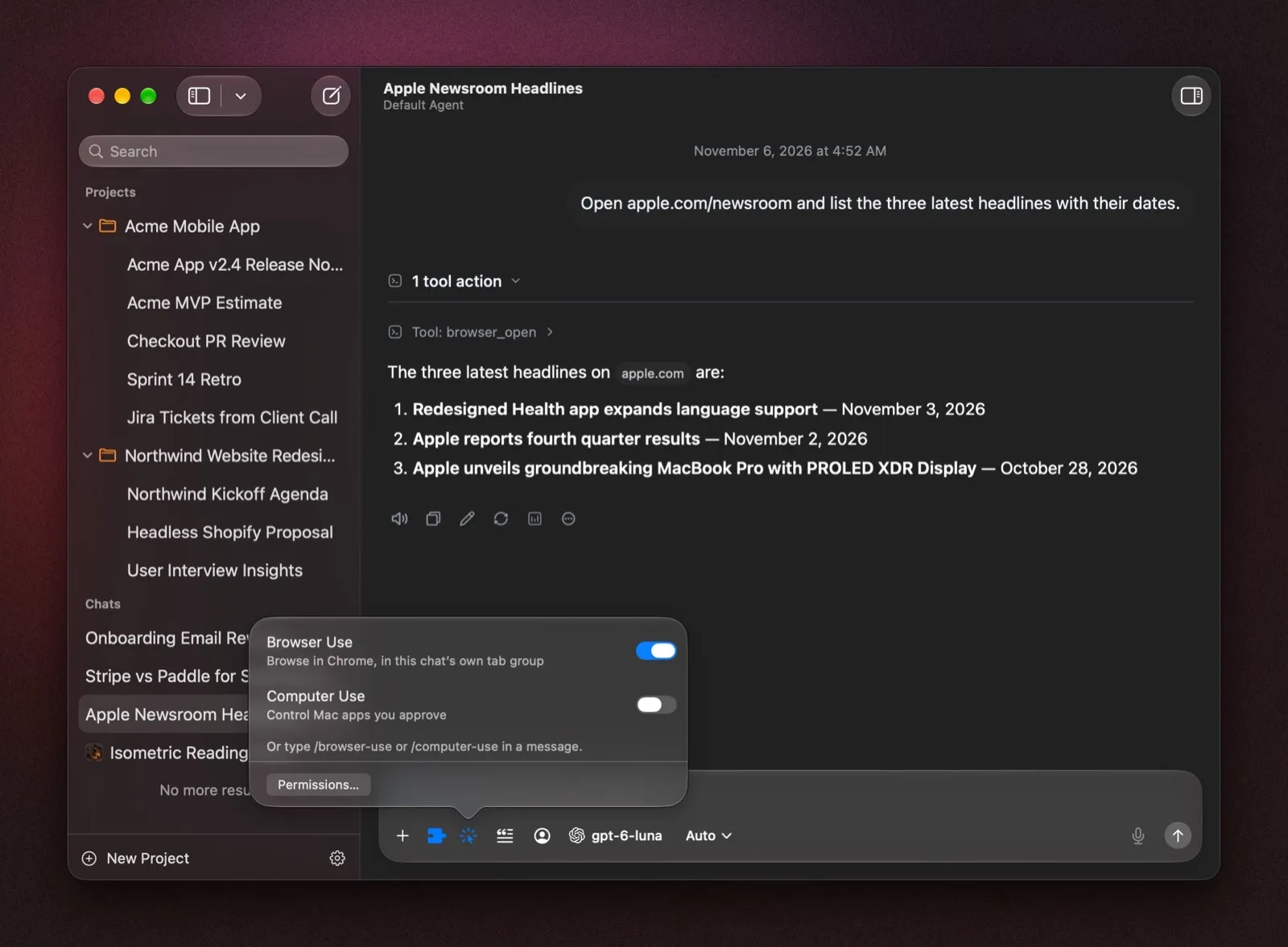
Agent Skills
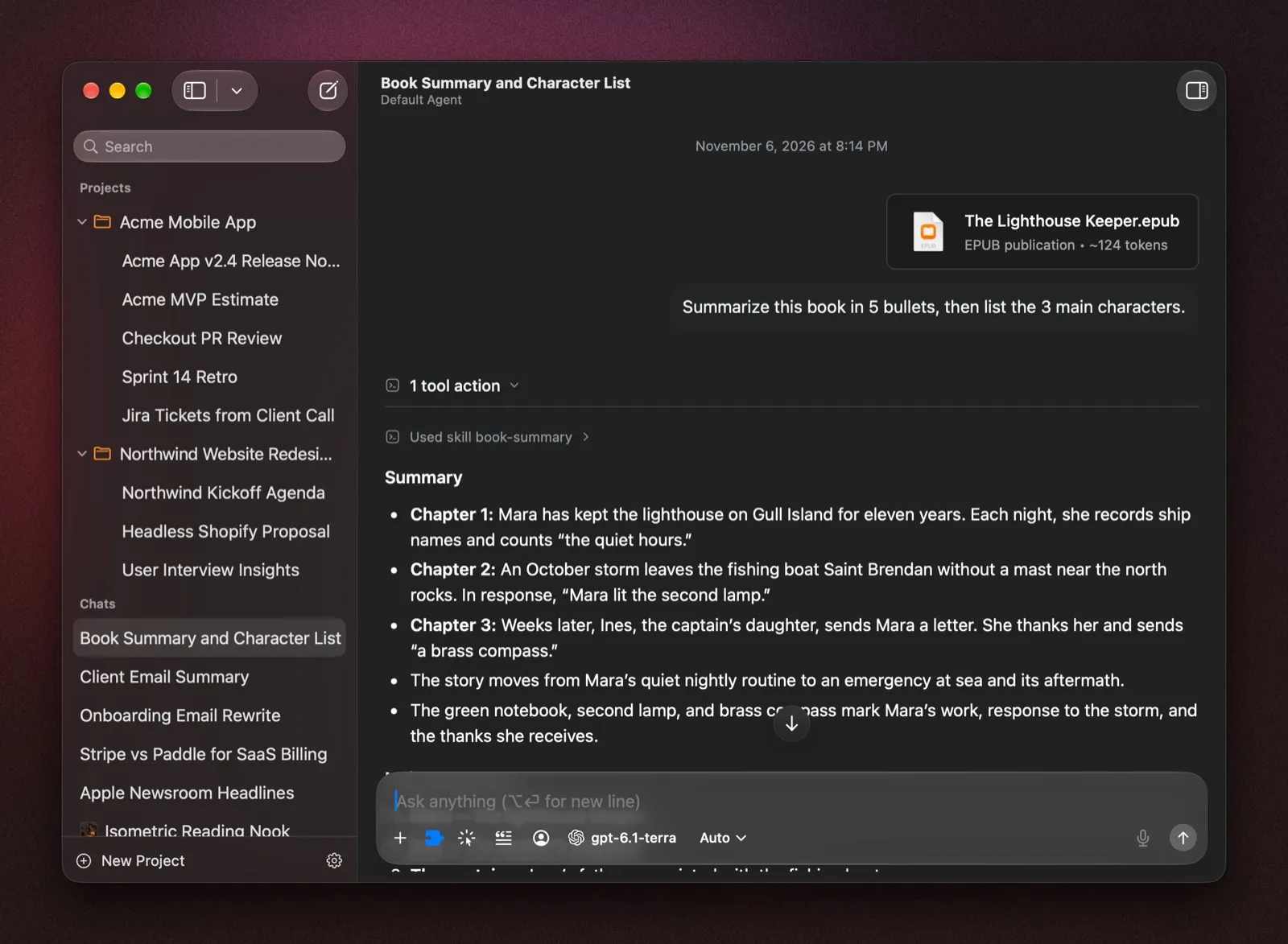
Teach BoltAI new tasks with Agent Skills
Run one with /, or let the model pick it.
Learn more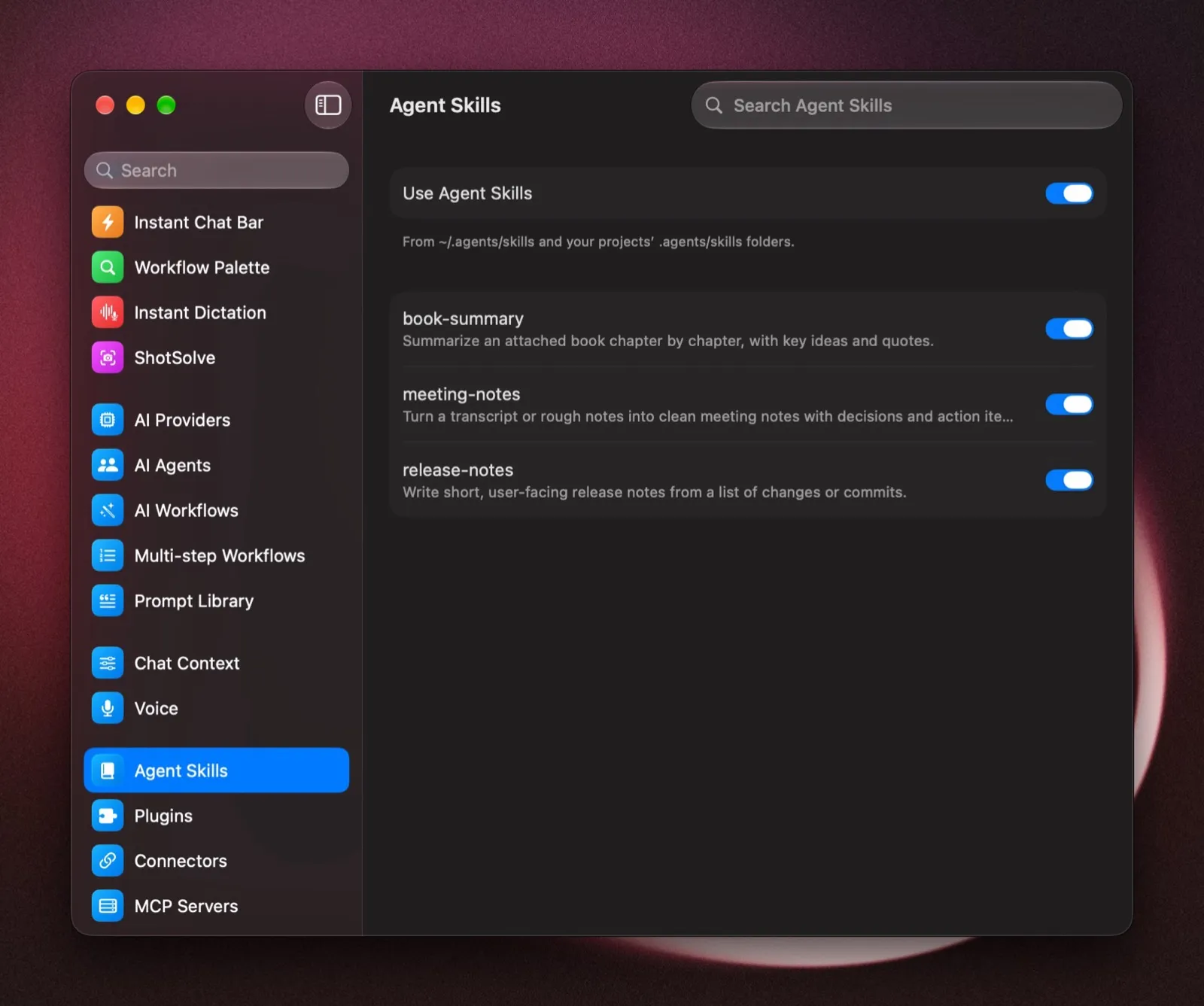
Image Studio
Make and edit images
OpenAI, Google, xAI, Replicate and fal in one place. Every edit is kept as a version.
Learn more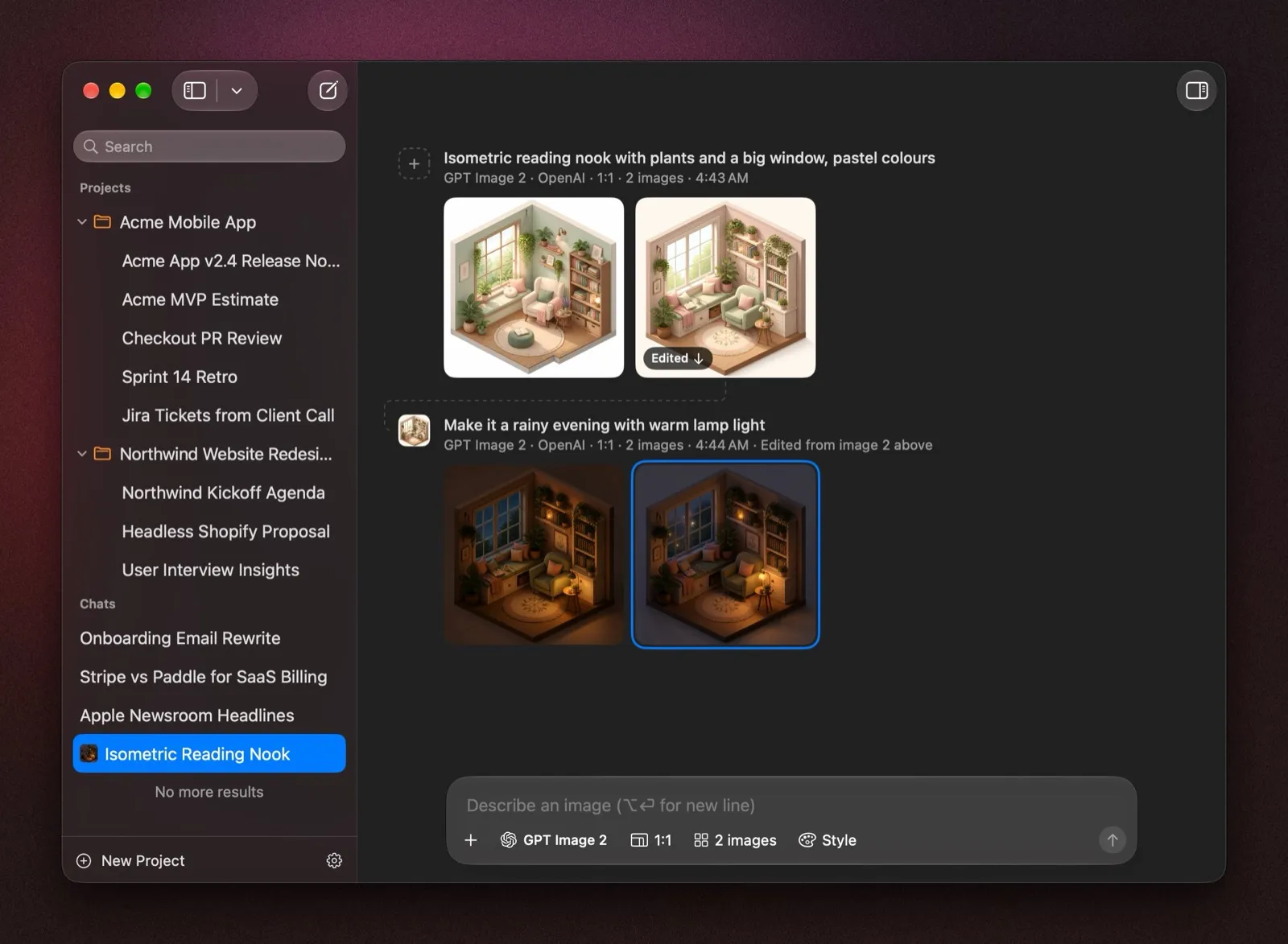
AI Workflows
Chain your AI Workflows
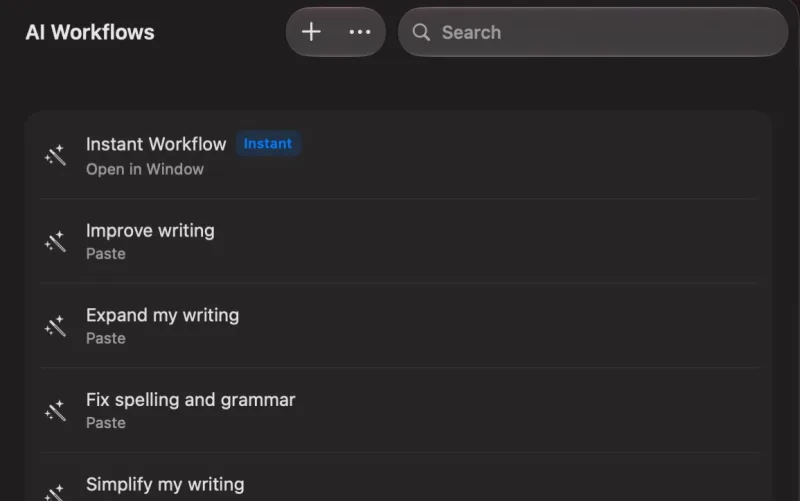
Fix, rewrite or summarize text in any app. Multi-step Workflows (Labs) run them in a row.
Learn more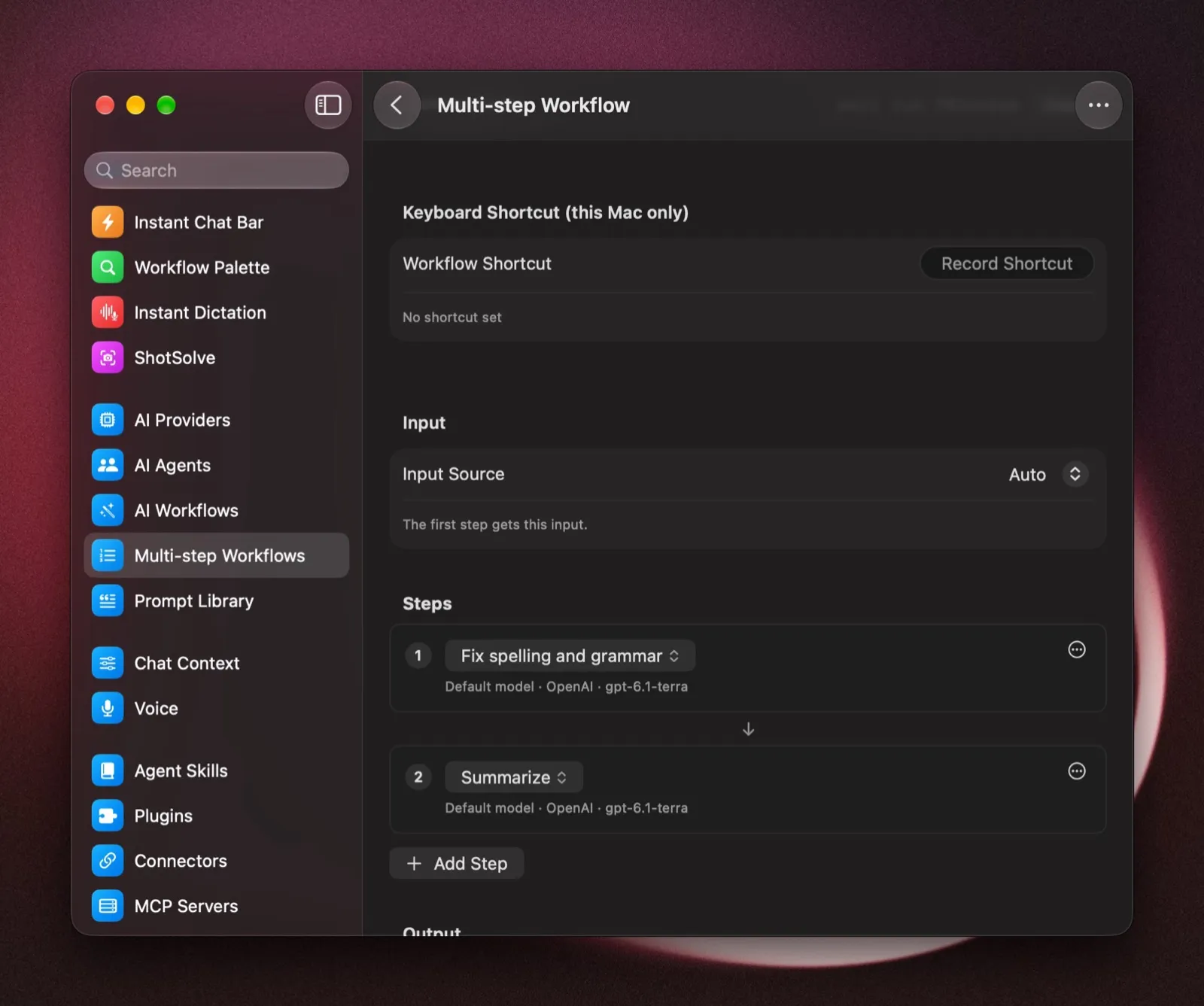
Raycast, Alfred and bolt
Use BoltAI from Raycast, Alfred and Terminal
Ask, run AI Workflows and paste prompts from Raycast or Alfred. Script it with the bolt CLI.
Learn more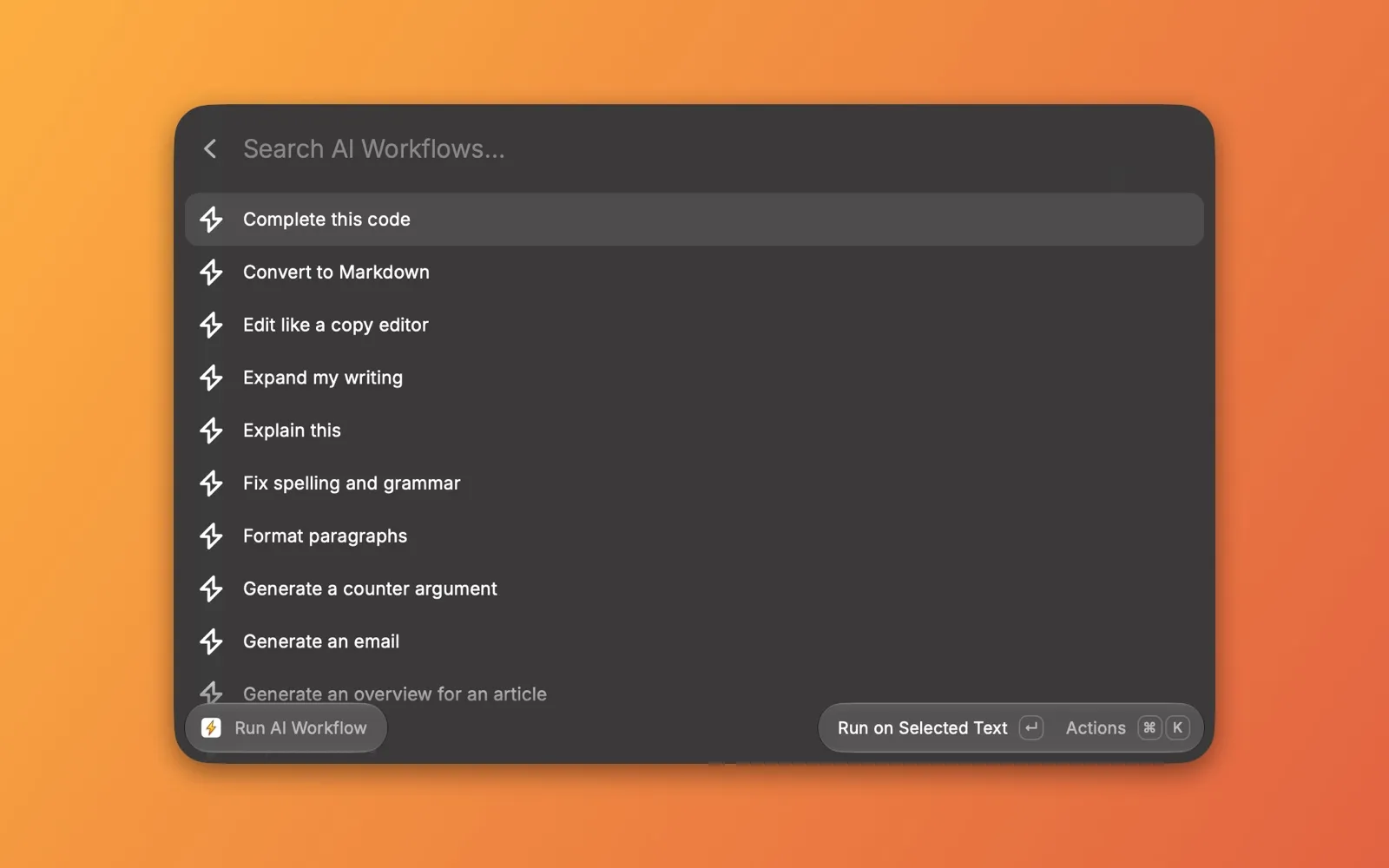
Native on macOS
Built with AppKit, and fast
AppKit is Apple’s own framework for Mac apps.
- Switching chats with the keyboard
- Up to 3× faster
- 112 ms down to 36 ms
- Memory with 100 MB of attachments
- 352 MB
- down from 582 MB
Compared with earlier versions of BoltAI. Memory is the app process only.
More in BoltAI 3
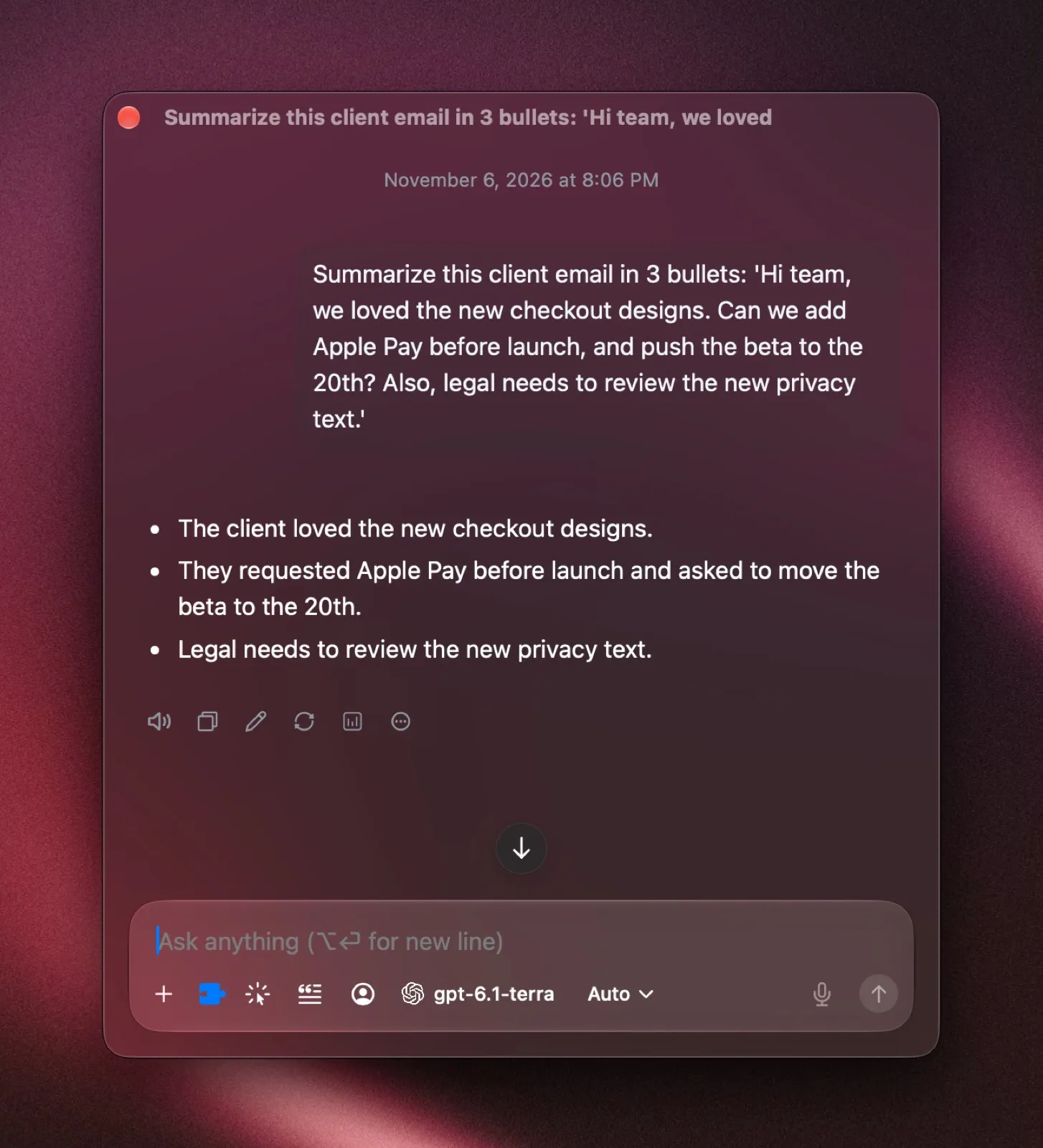
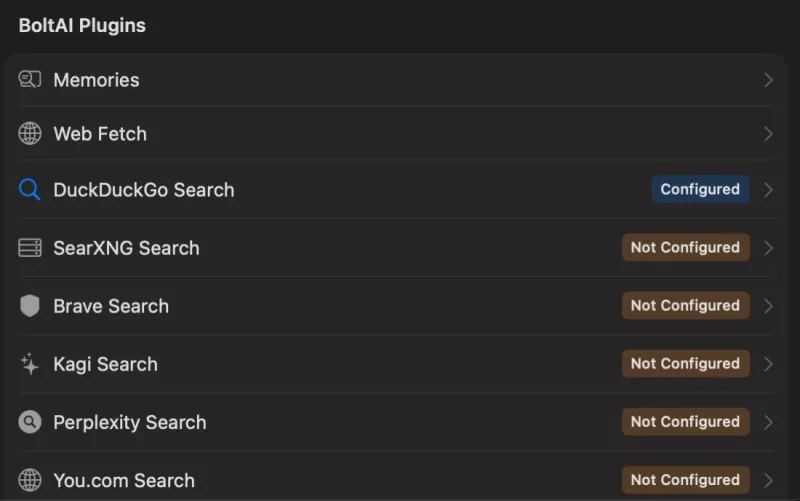
- Web search with no API key
- Search with DuckDuckGo, or your own SearXNG server.
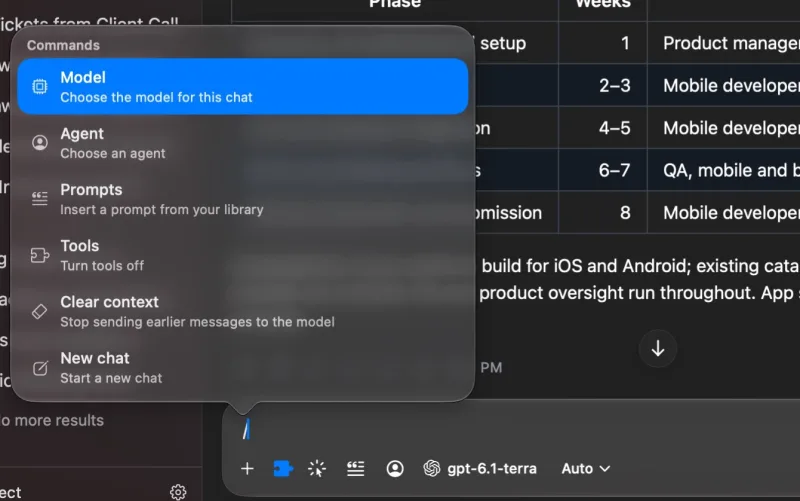
- Slash commands
- Type / to change the model, agent or prompt, or turn tools on or off.
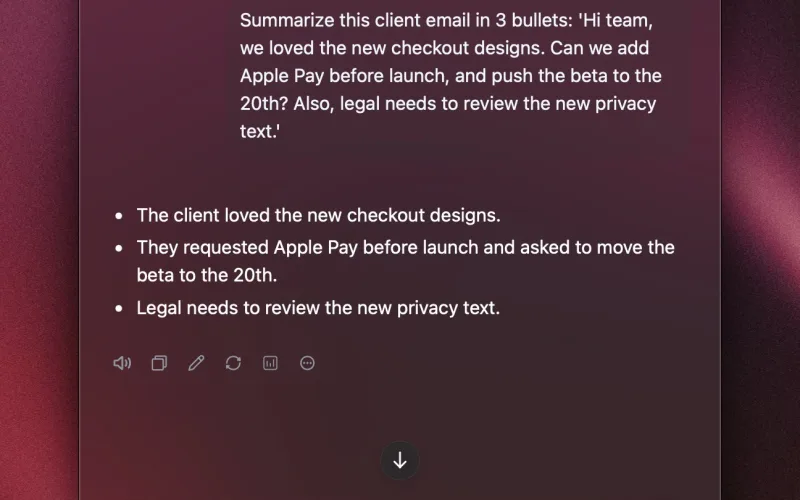
- Instant Chat Bar
- Its chats now open in their own window.
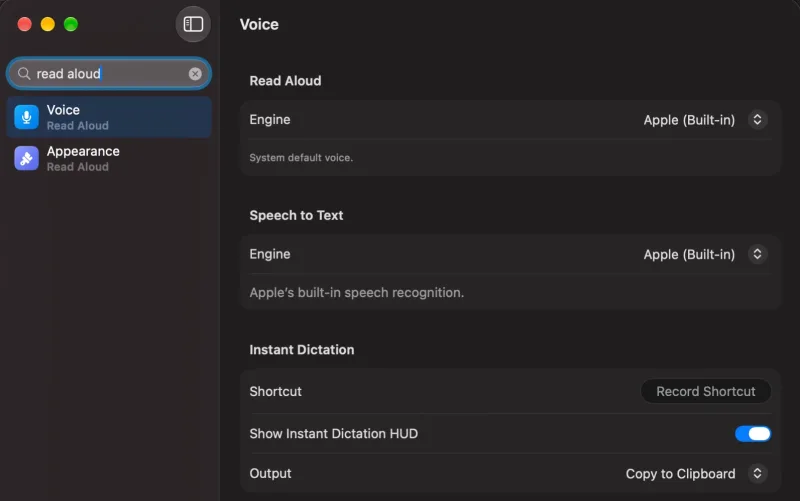
- Search Settings
- Find any setting from the sidebar.
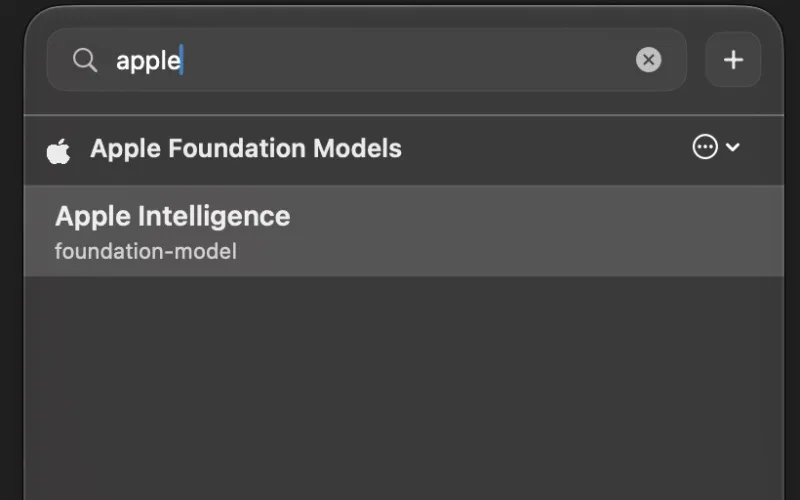
- Start with Apple Intelligence
- No AI provider yet? Start chatting with Apple Intelligence.
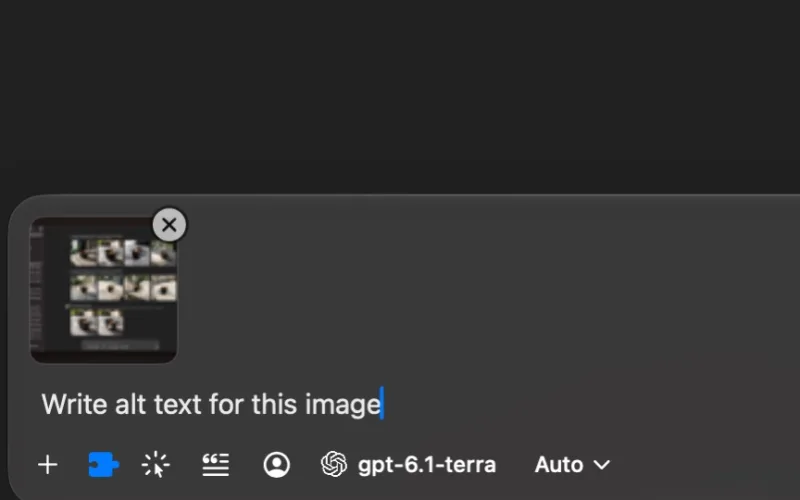
- Paste images from anywhere
- Paste images from Preview, a browser or an image chat.
New since BoltAI 1
Coming from BoltAI 1? You also get these.
- A faster, native app
- The sidebar and chat window are rebuilt in native macOS code.
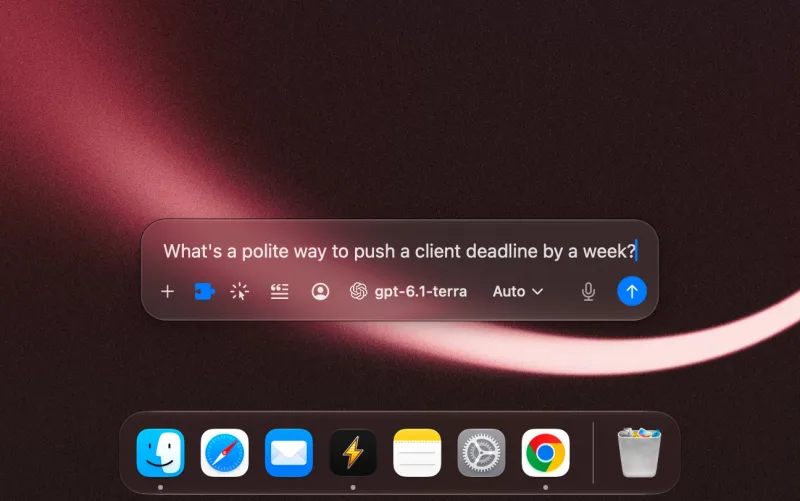
- Instant Chat Bar
- Press ⌥ Space in any app to ask a quick question. It replaces Instant Command.
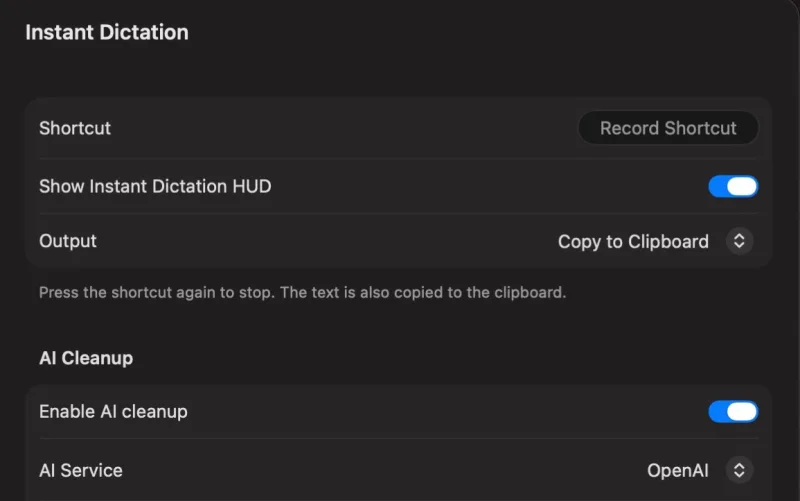
- Instant Dictation
- Dictate into any app, offline with a local model. It replaces Inline Whisper.
- AI Workflows
- Fix, rewrite or summarize selected text in any app. They replace AI Commands.
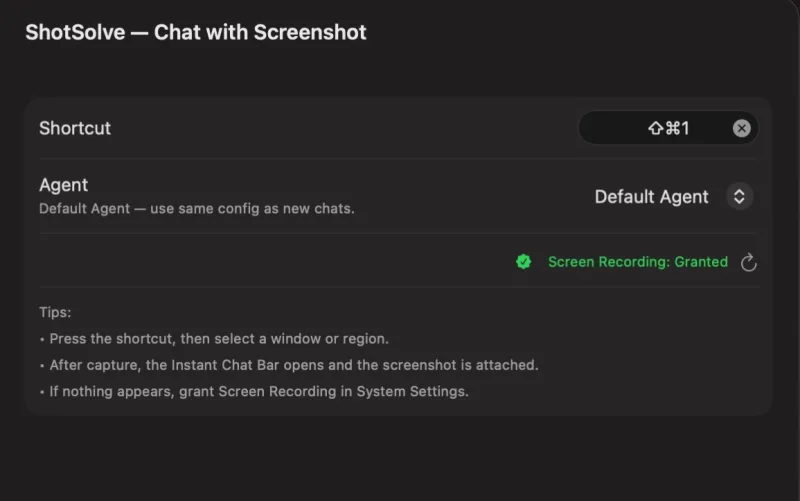
- ShotSolve
- Take a screenshot and get an answer.
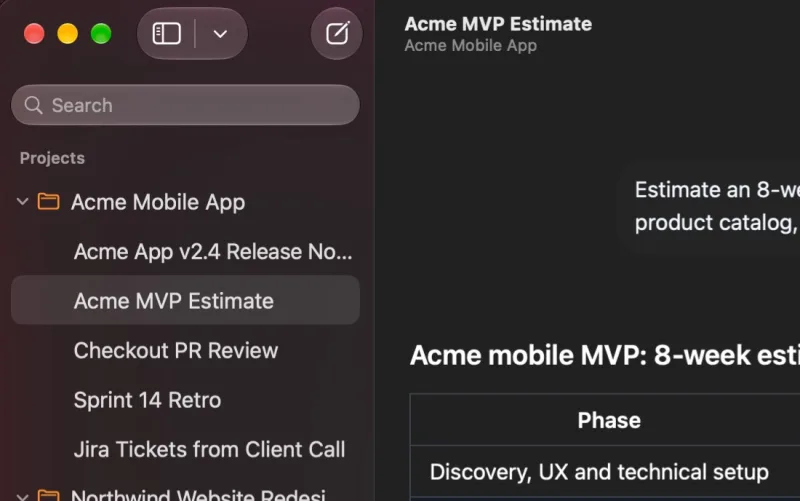
- Projects
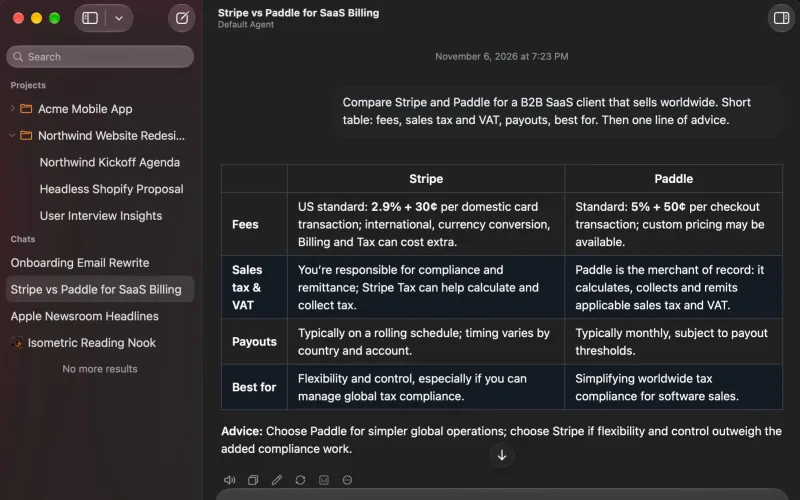
- Keep related chats together, with shared instructions and your own files and folders.
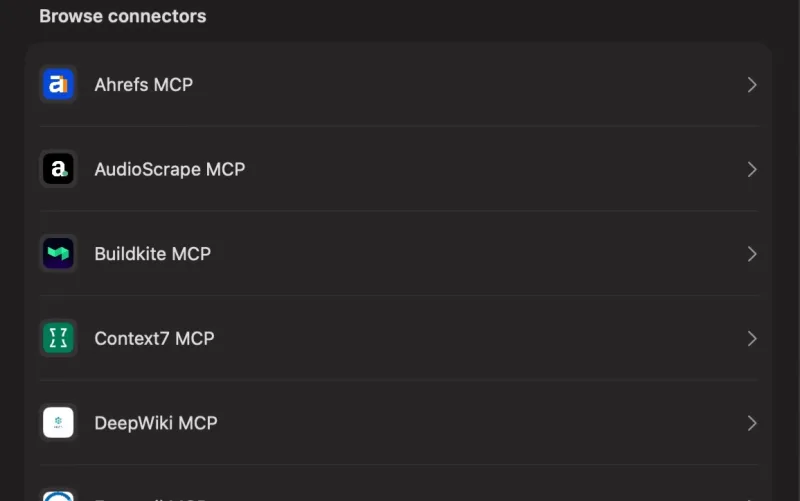
- Connectors and MCP servers
- Connect Notion, Linear, your email and more.
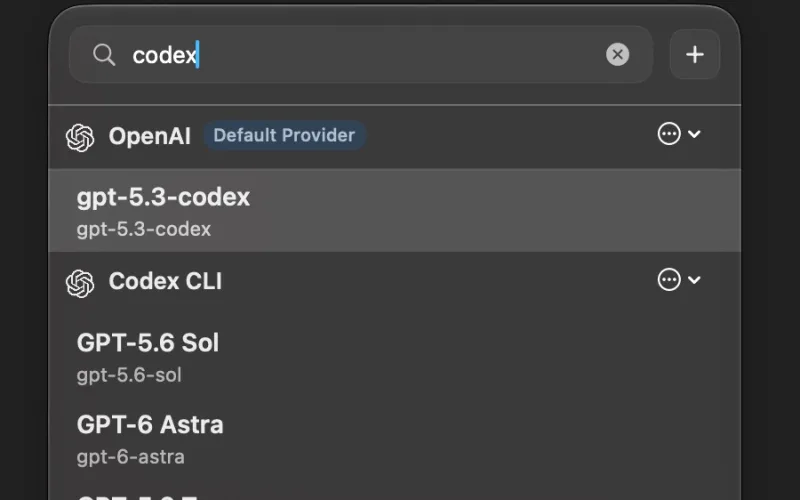
- Your ChatGPT plan
- Use your ChatGPT subscription instead of an API key, with Codex CLI.
- Cloud Sync
- Keep your chats on your Macs and your iPhone, on plans that include it. It’s optional.
Bring your chats, prompts and providers from BoltAI 1 with File › Import Data…
