Private AI workspace for Mac power users







Helping people work smarter at





Everything you need to run AI on your Mac
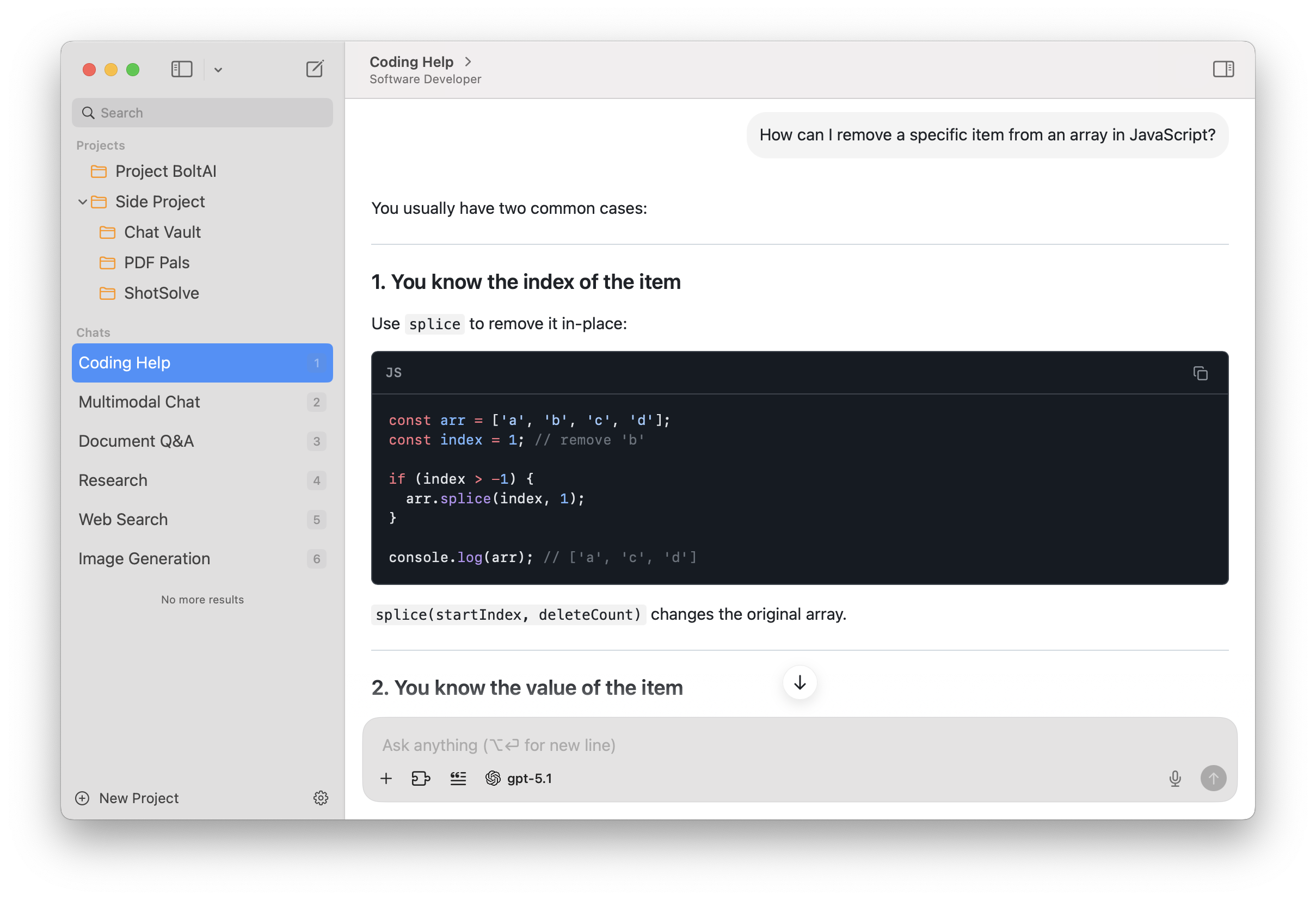
Best-in-class native macOS app: built using SwiftUI and AppKit.
Familiar UI, Universal Shortcuts Keys, and super-fast Apple M1/M2/M3/M4 performance.
- Your entire AI stack in one app.
- Use OpenAI, Anthropic, Google, Mistral, Azure, Bedrock, and local models in one unified workspace. Switch instantly without touching another app or browser tab.
- Serious workflow tools for power users.
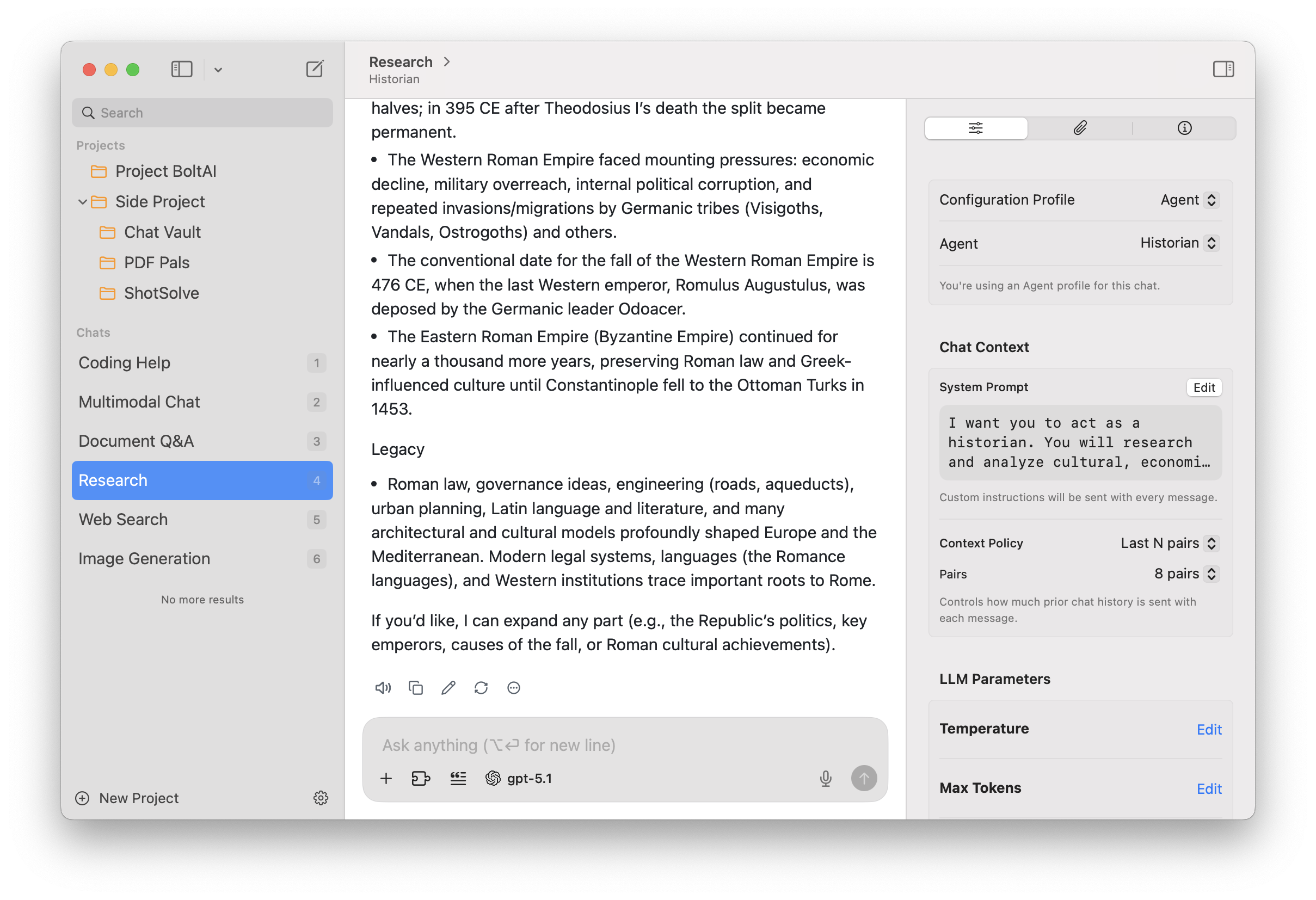
- Work with projects, multi-chat threads, forking, and reusable agents to keep everything structured. BoltAI scales from quick prompts to complex long-running workflows.
- Multimodal intelligence built in.
- Analyze PDFs, screenshots, code, UI captures, and research documents with vision-enabled models. Get clear explanations, summaries, and structured results instantly.
- Fine-grained control over every generation.
- Tune temperature, max tokens, top-p/top-k, penalties, and your system instructions with precision. Get exactly the style and behavior you want from any model.
- Extend with tools, skills, and custom knowledge.
- Use code execution, MCP tools, and attached documents to build richer agents. Automate tasks, generate documents, or extract data without leaving the app.
- Privacy you can trust.
- Chats are stored locally and never used for training, and API keys can be encrypted with your passphrase. BoltAI keeps your work private, secure, and fully under your control.
Work faster anywhere
Bring AI to whatever you’re doing with a single shortcut. BoltAI pops up instantly, ready to explain code, rewrite text, summarize a webpage, or help with whatever’s on your screen — no context switching.
Apple intelligence, done right.

- Global shortcut.
- Open BoltAI instantly over any app with a single keystroke — no context switching, no friction.
- Screenshot → Answer.
- Capture your screen and get explanations, fixes, or summaries in seconds.
- Dictation & inline editing.
- Speak your requests or edit text on the fly for effortless, hands-free productivity.
Everything in one AI workspace
On all your devices
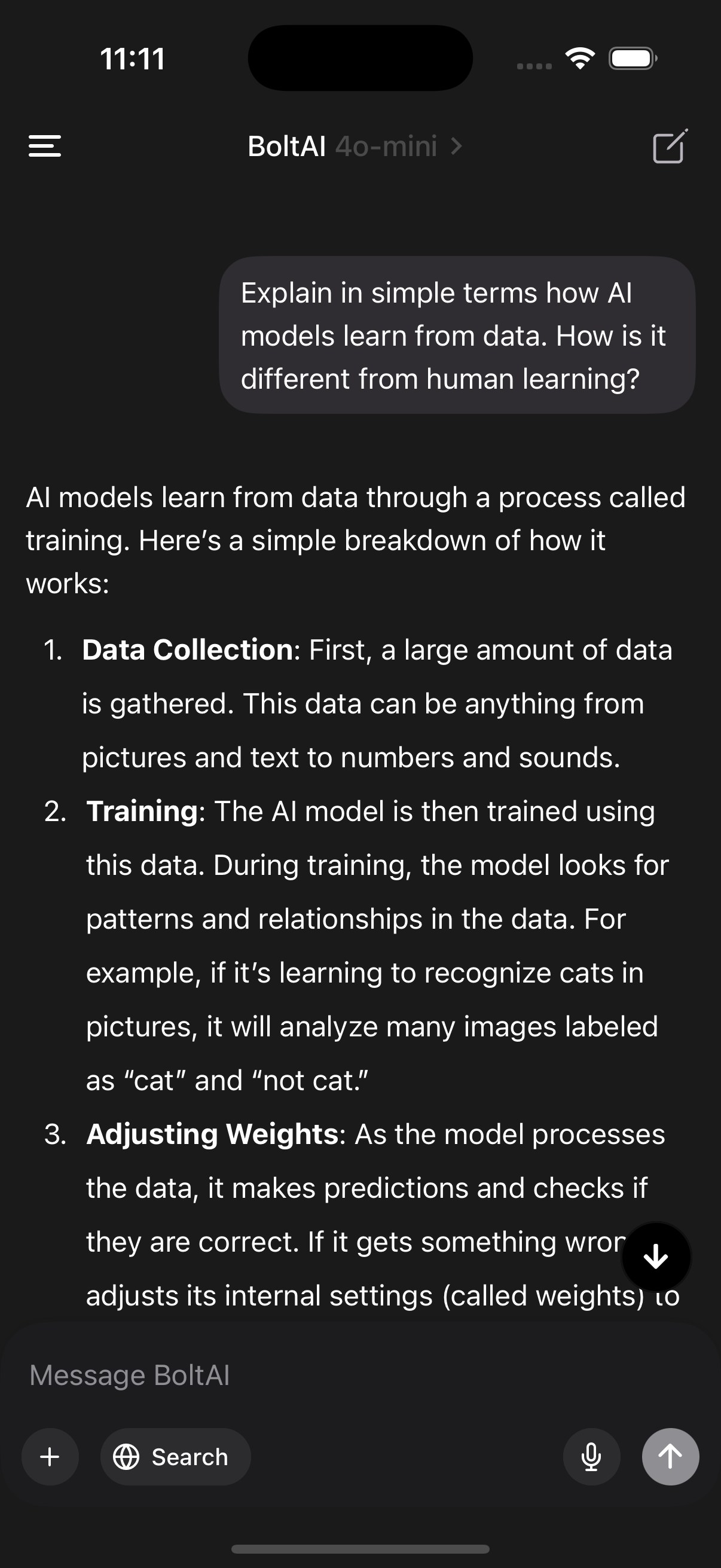
Use BoltAI on your Mac, iPhone, and iPad with the same chats, agents, and projects synced securely through the cloud.
Local models, zero latency
Run powerful LLMs locally via Ollama and LM Studio for fast, private responses without per-token costs.
Privacy built in
Chats are stored locally, API keys can be encrypted with your passphrase, and nothing is ever used to train models.

Extend with tools & MCP
Connect BoltAI to local and remote MCP servers, toggle tools per agent, and keep your AI workflows configurable in code.
{
  "mcpServers" : {
    "filesystem" : {
      "args" : [
        "-y",
        "@modelcontextprotocol/server-filesystem",
        "~/Data"
      ],
      "command" : "npx"
    }
  }
}
“My company provides critical software services for customers such as Spotify, Google, Coinbase, Binance, and many others. We use AI in our workflows (custom developed as well as LLMs) but there was no tool before BoltAI that tightly integrated LLMs into my workflow. I always had to click out, leave my current task, go to ChatGPT or similar and come back which broke my flow. BoltAI makes everything effortless. It's a superpower.”

A powerful workspace for serious users
BoltAI brings together pro tools, advanced models, structured workflows, and deep customization — all in a clean, native Mac experience built for speed.
- Advanced agents
- Build reusable agents with custom instructions, knowledge, and tools for consistent high-quality outputs.
- Context profiles
- Switch between tailored configurations for coding, writing, research, or analysis instantly.
- Multimodal analysis
- Work with screenshots, PDFs, and documents. BoltAI extracts structure, summarizes, and explains.
- Multiple model providers
- Use OpenAI, Anthropic, Google, Mistral, Azure, Bedrock, and local models in one seamless workflow.
- Fork & branch chats
- Explore alternative ideas without losing your original thread. Perfect for comparison and iteration.
- Prompt library
- Save your best prompts once and reuse them anywhere. Build a personal toolkit for recurring tasks.
- Attachment-driven context
- Attach files, research, or reference documents. BoltAI manages context automatically and intelligently.
- Advanced LLM controls
- Fine-tune temperature, token limits, top-p/top-k, and penalties for precise, predictable results.
Latest release
BoltAI 2.18.0
4 days ago
Build 92 This update turns on chat tabs for everyone, adds custom project icons, makes BoltAI open faster, and fixes several issues with agents and their tools.
New
- Chat tabs are now on by default: open different chats in tabs within one window. To go back to one chat per window, turn off "Enable native chat tabs" in Settings > Developer and restart BoltAI.
- Custom project icons: give a project an emoji or one of over a thousand symbols, in one of nine colors. Choose it in Project Settings > General, from the project page, or when you create a project. The icon shows in the sidebar and the project header. [ref]
- Max reasoning is now available on custom and OpenAI-compatible providers. BoltAI tells you once that your provider may not support it.
Improved
- BoltAI shows its main window sooner at launch.
- Long model names no longer overflow the model button in the composer. It shows the short name; hover to see the full one.
- In a new chat, Tools now follow the agent you pick, and clearing the agent puts your default tools back.
Fixed
- Fixed several problems when picking an agent: the agent could fall back to Default Agent until picked a second time, be dropped from a new tab on the first message, or switch on tools it does not have.
- Fixed a new chat tab that could not be closed, with the message "This tab is still working or has an unsaved response".
- Fixed a project's prompt mode sometimes not syncing to your other devices.
- Fixed importing a BoltAI backup dropping a project's default agent, prompt mode and loop settings.
