
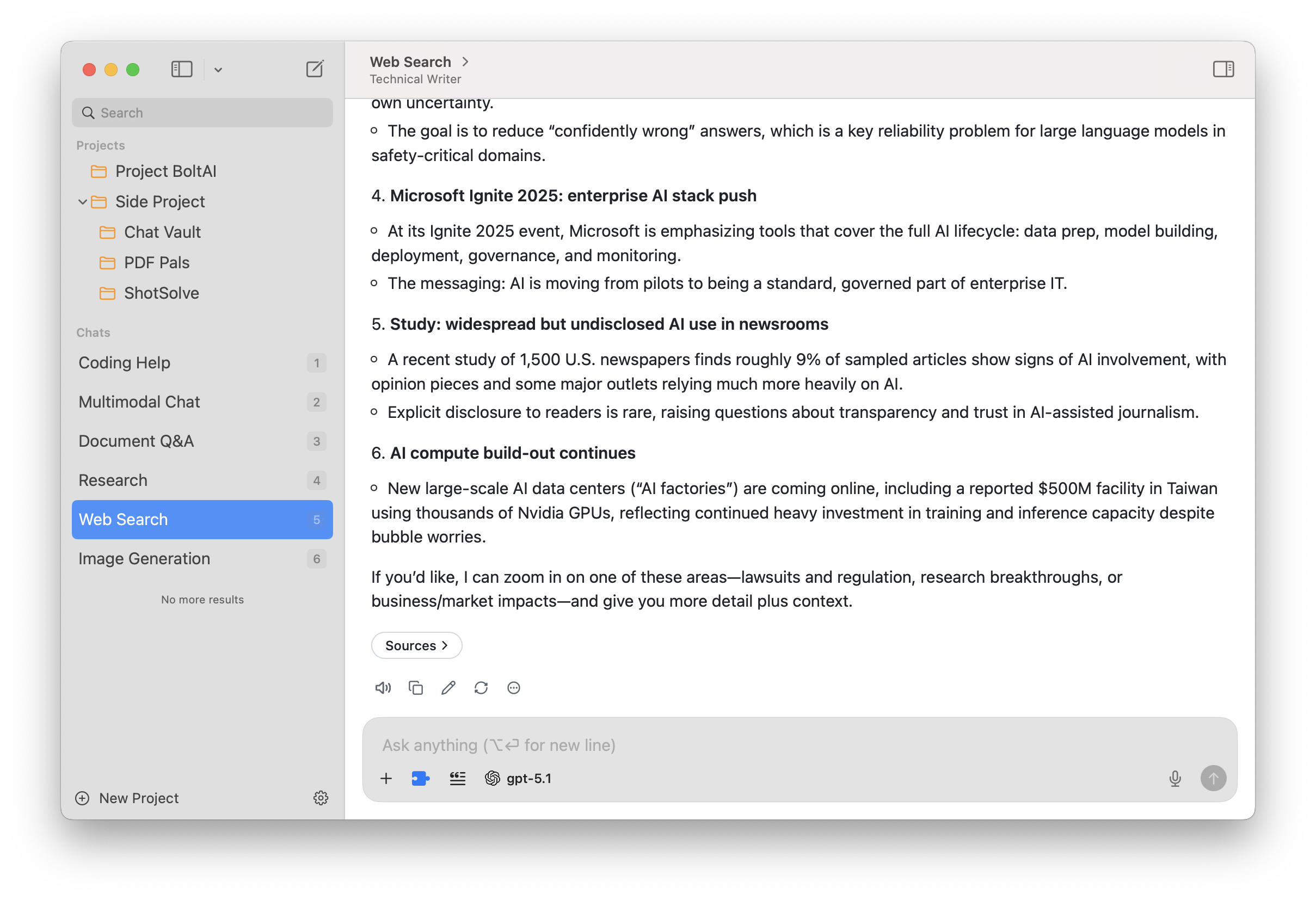
Research with current sources
Use supported web search, bring PDFs and images into the conversation, and inspect citations beside the answer.
No account required · Intel & Apple Silicon · macOS 13+
OpenRouter on your Mac
Search the OpenRouter catalog, favorite the models you use, and choose a model for each chat or agent. Reasoning and model controls stay close when you need them.
Search and favorite
Keep a short list of regular models as the catalog grows.
Control each chat
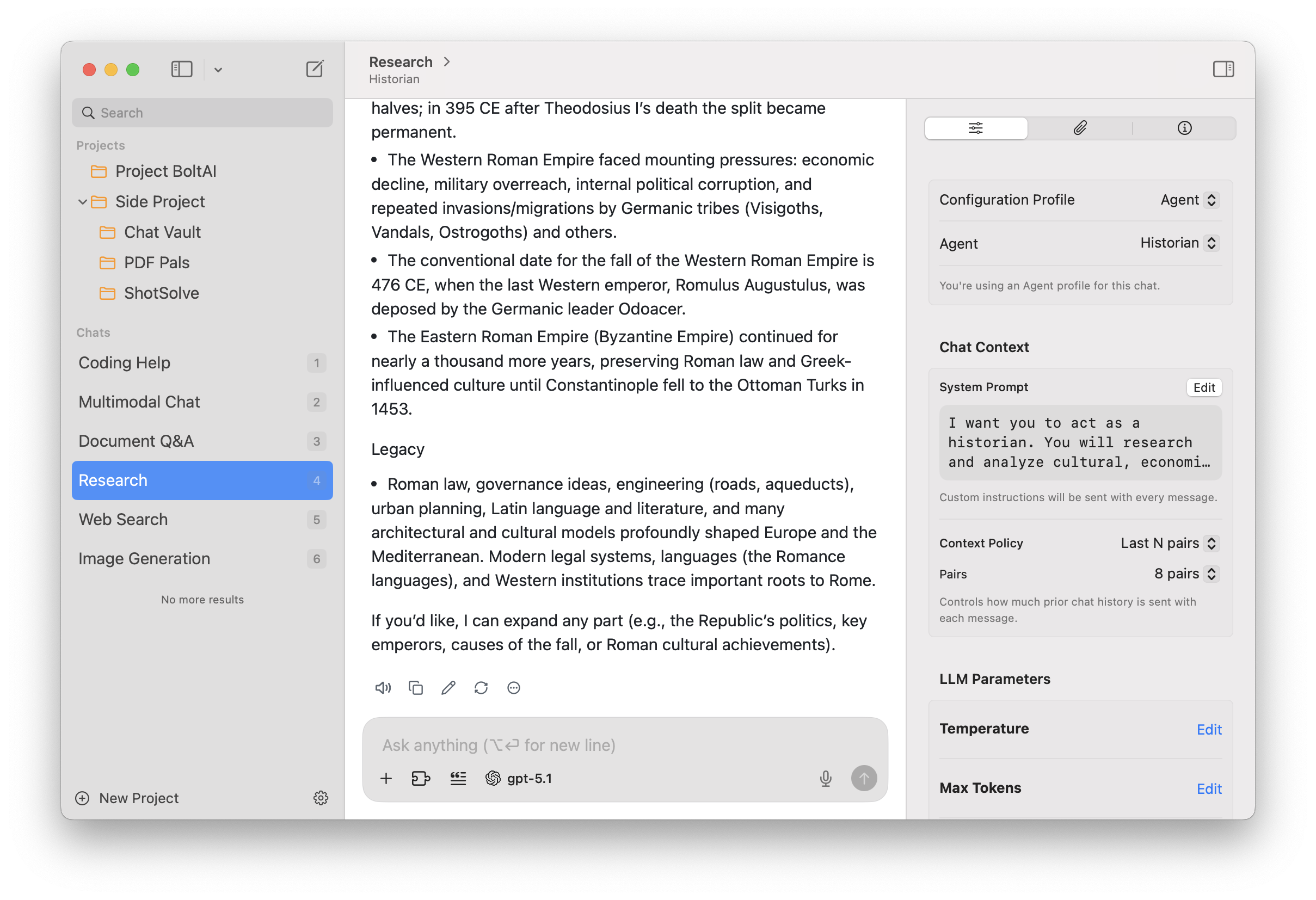
Set reasoning effort, temperature, token limits, and other supported parameters.
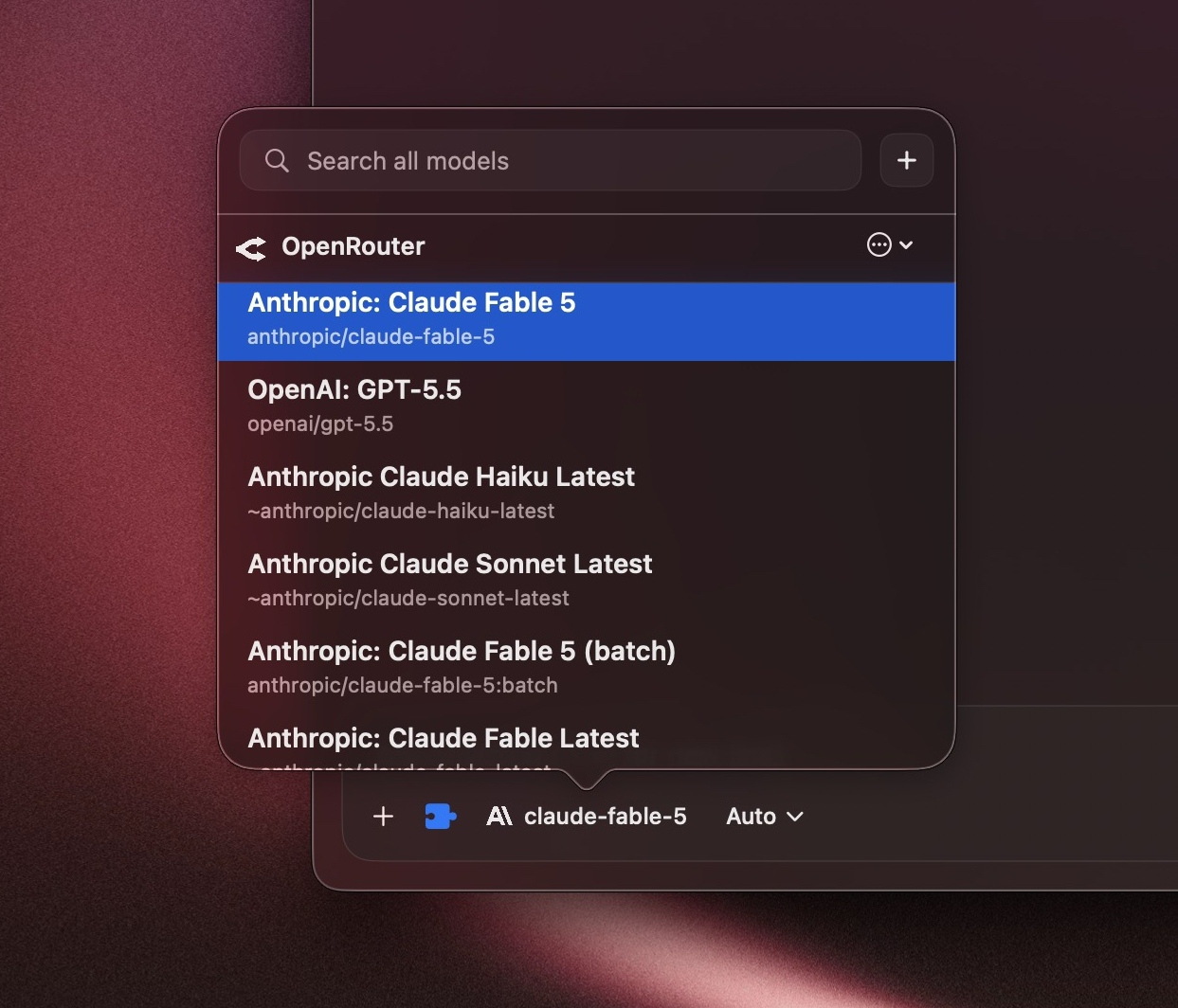
Search, favorite, and switch models from BoltAI.
Native on macOS
Use a global shortcut from any app or full-screen Space. Drop in files, images, or selected text and continue in a native window.
Native windows, menus, shortcuts, drag-and-drop, dictation, and familiar Mac controls keep the app out of your way.
Start a new or temporary chat without finding the main window.
Transform selected text and preserve its formatting in Notes, Mail, Obsidian, and other Mac apps.
Built around real work
Research current topics, keep ongoing work organized, and build repeatable workflows.
Use supported web search, bring PDFs and images into the conversation, and inspect citations beside the answer.
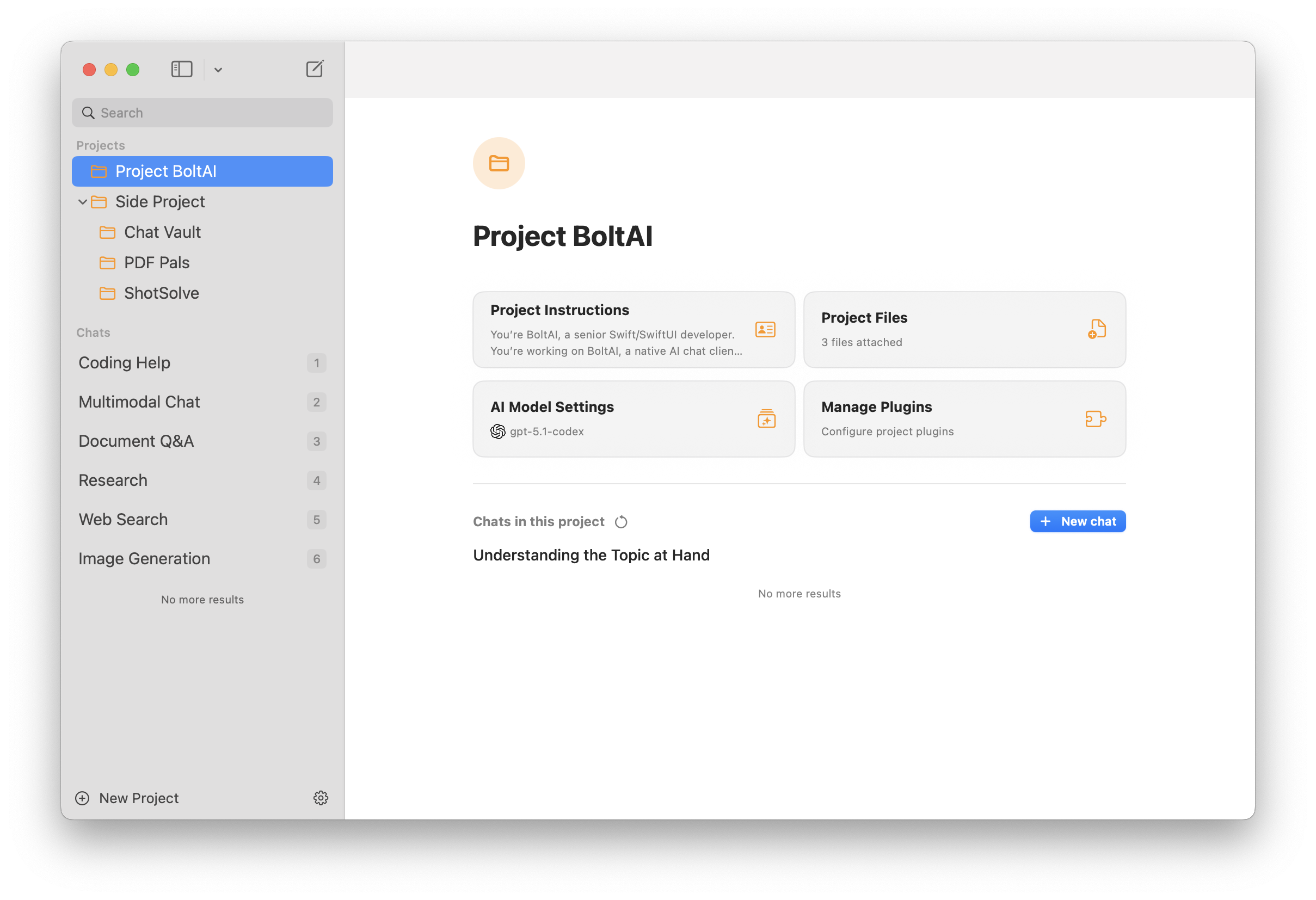
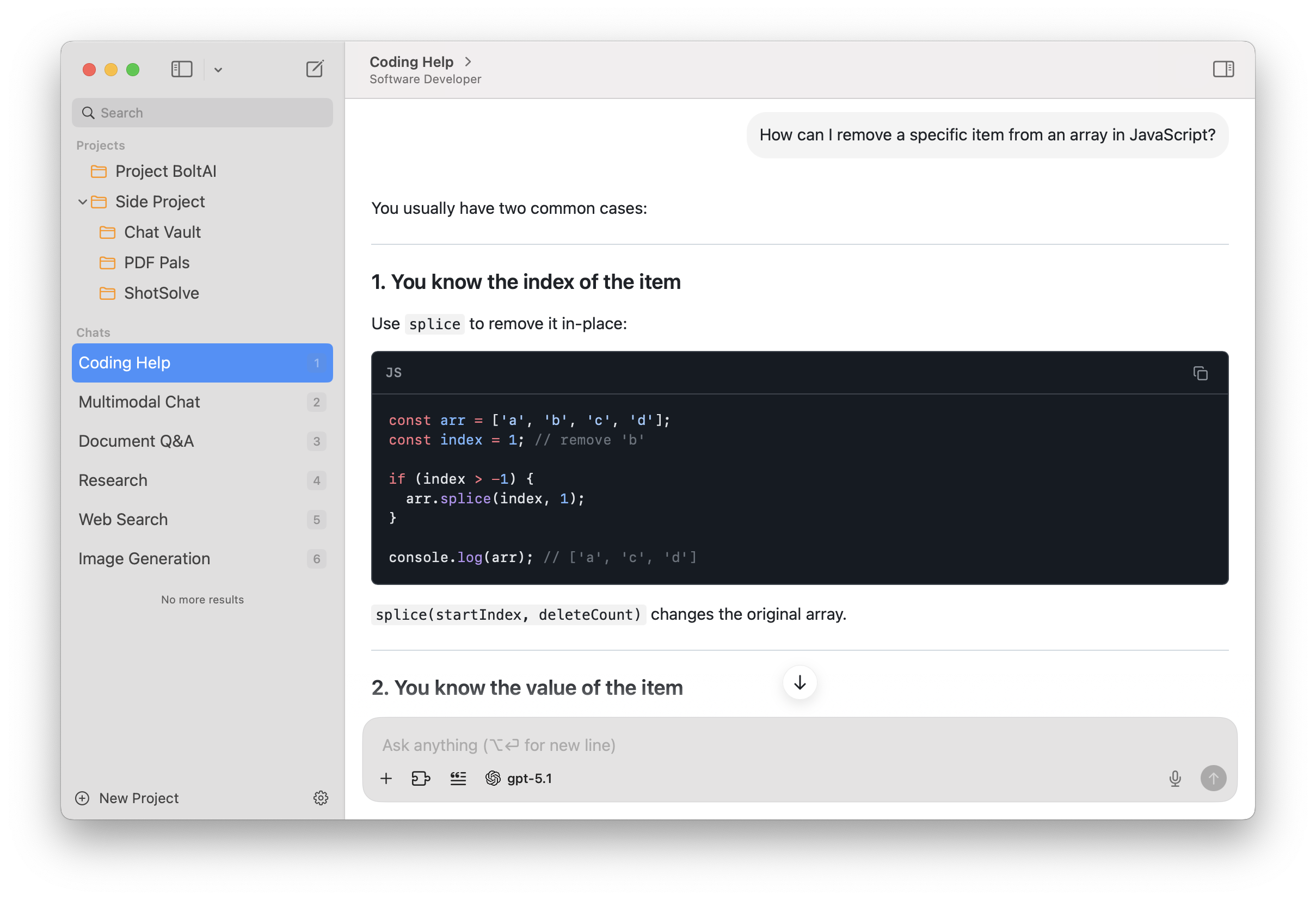
Projects keep instructions, files, chats, tools, and model settings together. Duplicate a Project when you want the same setup for a new stream of work.
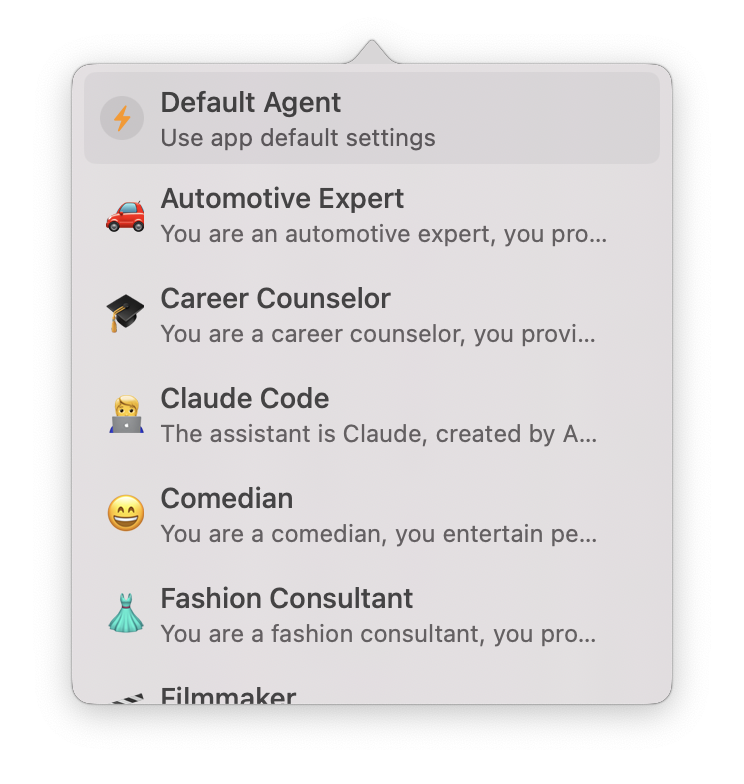
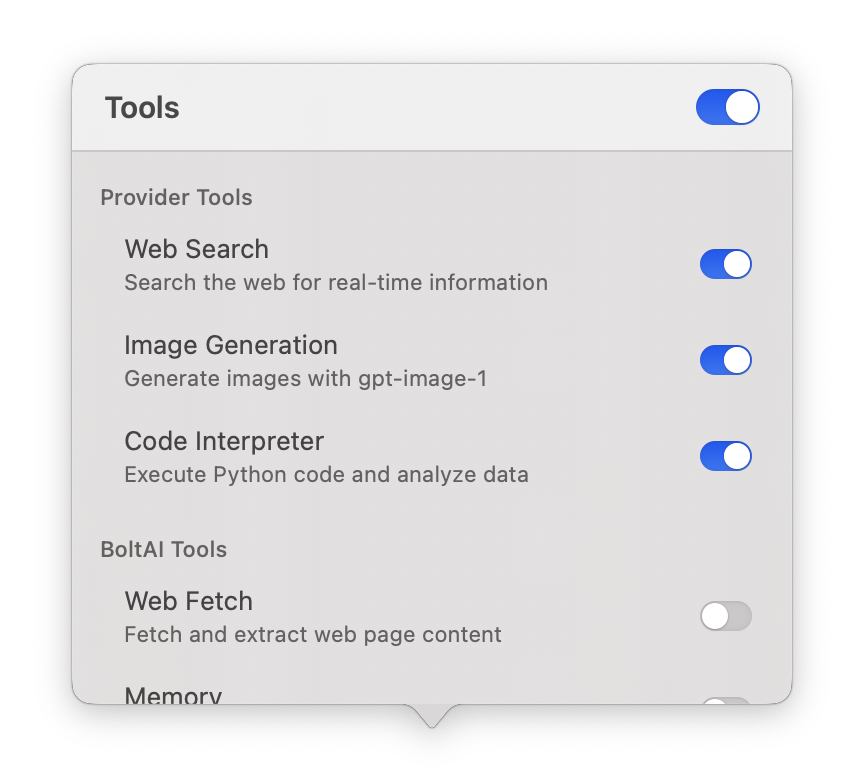
Save instructions as agents, connect MCP servers, and enable BoltAI tools. Trigger AI Workflows with a keyboard shortcut from other Mac apps.
On all your devices
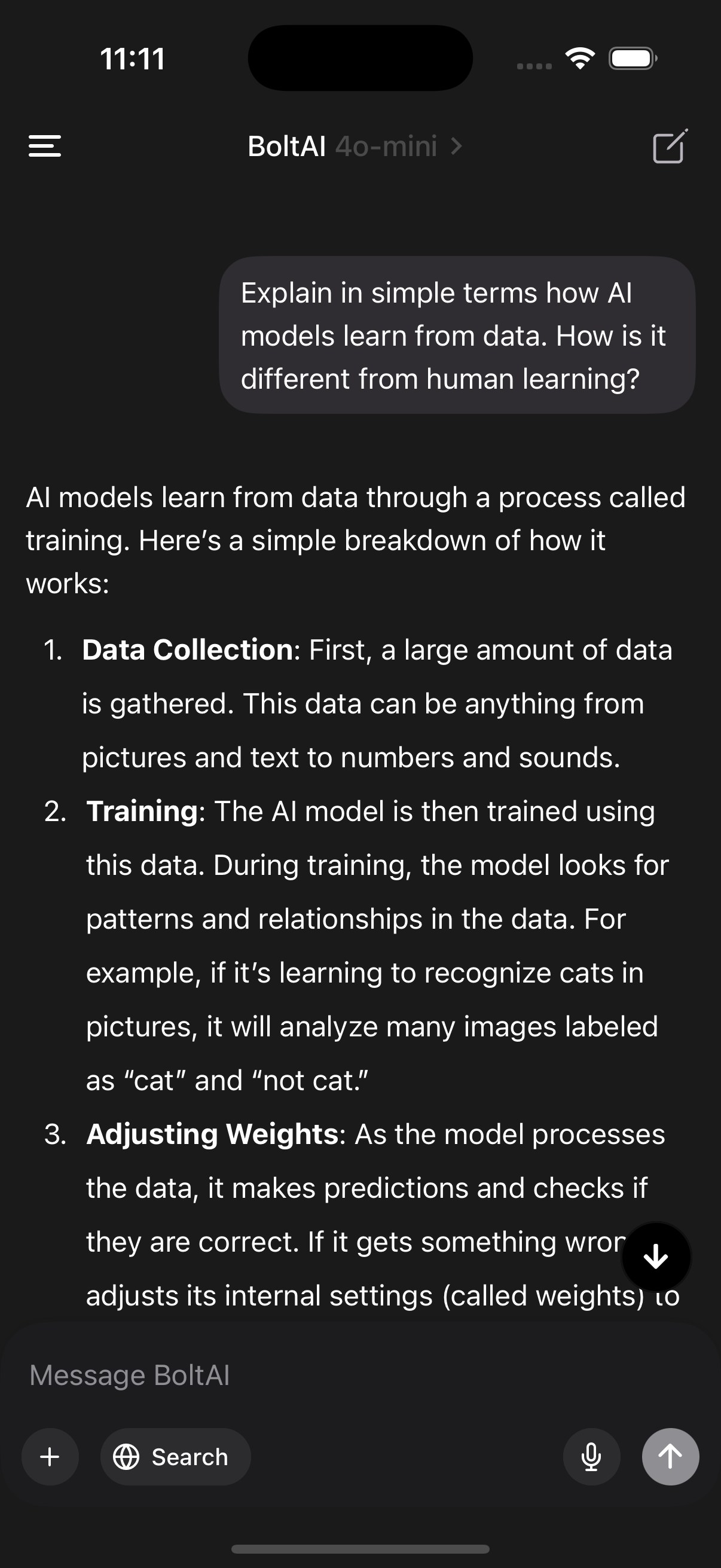
Use BoltAI on your Mac, iPhone, and iPad with the same chats, agents, and projects synced securely through the cloud.
Local models, zero latency
Run powerful LLMs locally via Ollama and LM Studio for fast, private responses without per-token costs.
Privacy built in
Chats are stored locally, API keys can be encrypted with your passphrase, and nothing is ever used to train models.

Extend with tools & MCP
Connect BoltAI to local and remote MCP servers, toggle tools per agent, and keep your AI workflows configurable in code.
{
  "mcpServers" : {
    "filesystem" : {
      "args" : [
        "-y",
        "@modelcontextprotocol/server-filesystem",
        "~/Data"
      ],
      "command" : "npx"
    }
  }
}
OpenRouter sign-in
Sign in to OpenRouter from the Mac app, or configure an API key manually.
Open AI Services in BoltAI and select OpenRouter.
Sign in to OpenRouter from BoltAI, or configure an API key manually.
Pick a model from your OpenRouter account and start a chat.
Connect OpenAI, Anthropic Claude, Google Gemini, Mistral, xAI, Perplexity, Azure OpenAI, or Amazon Bedrock directly. BoltAI also supports local models through Ollama and LM Studio.
Frequently asked questions
